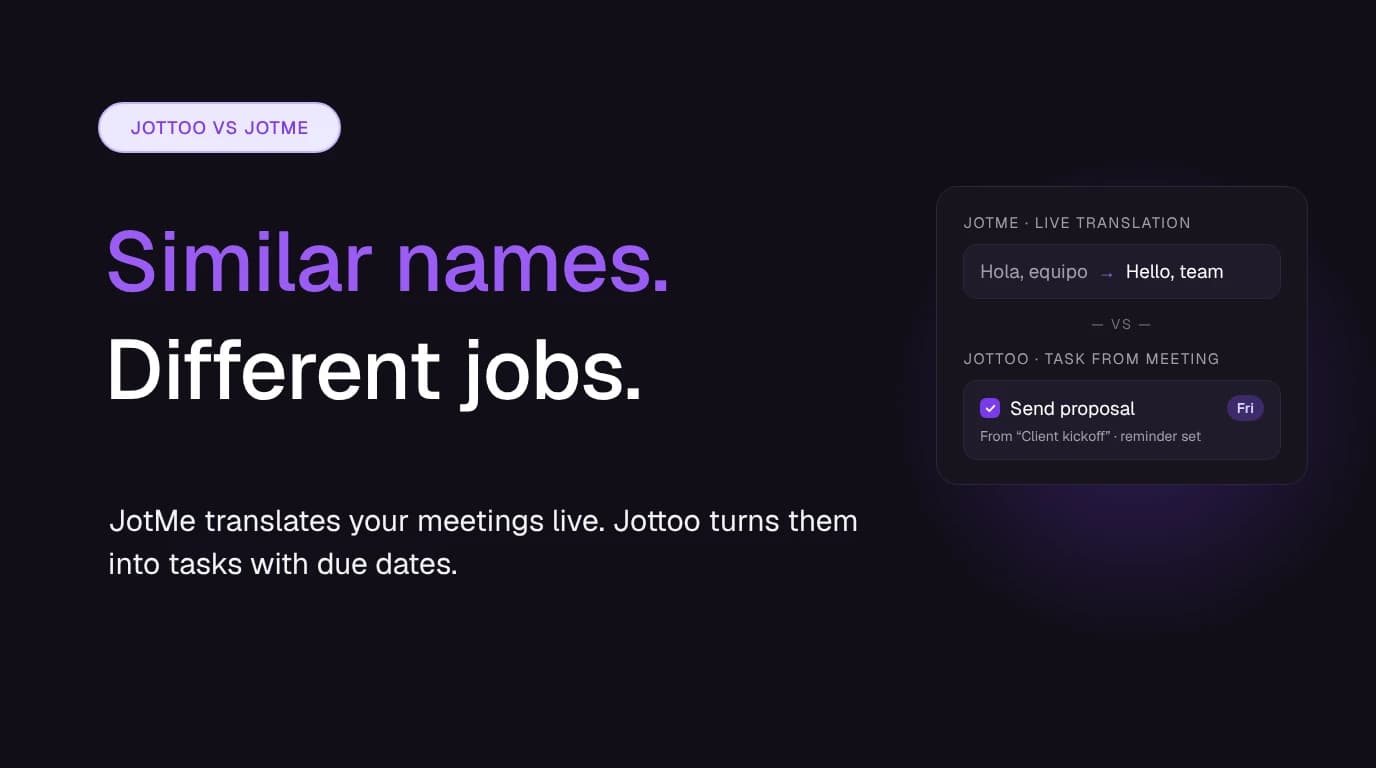

People sometimes mix up Jottoo and JotMe. The names are close, both are AI meeting note takers, and neither sends a bot into your call. Search results mix them up too. They're different products from different companies, though, and they're good at different things. This guide sets out the differences so you can pick the one that fits how you work.
Quick answer: If your meetings happen across languages and you need live translated captions, translated speech or document translation, choose JotMe. If your meetings happen in one language and the hard part is following up on what was agreed, choose Jottoo. It turns calls, phone conversations and in-person meetings into tasks with deadlines and reminders.
Disclosure: Jottoo is our product. JotMe details come from JotMe's own website, help docs and pricing guide, checked on 19 November 2026. Prices and plan limits change often, so check jotme.io before you buy.
Jottoo and JotMe Are Different Companies
To clear this up first:
- Jottoo (jottoo.com) is an AI meeting notes app for iPhone, iPad, Android and the web. It records, transcribes and summarises meetings, then turns action items into tracked tasks. It's built by its founder (why I built it).
- JotMe (jotme.io) is an AI translation platform for meetings, events and everyday work. It has desktop apps for Mac and Windows, mobile apps, a Chrome extension for Google Meet and a web version. JotMe says it has more than 500,000 users.
The companies aren't related, and neither app works with the other. The "Jot AI" app on the App Store is a third, unrelated product. Jottoo's iPhone app is listed on the App Store as Jottoo.
Jottoo vs JotMe at a Glance
| Jottoo | JotMe | |
|---|---|---|
| Built for | Turning meetings into notes and dated tasks | Live translation across languages, plus transcription and notes |
| Joins your call as a bot? | No | No |
| How it captures audio | Records on your phone or in the browser, or you upload audio or type notes | Desktop app listens to audio on your computer; Chrome extension reads Google Meet captions |
| In-person meetings | Yes: record across the table on your phone | Yes, mainly for live translation through the mobile app |
| Live translation | No | Yes, 200+ languages, including translated speech |
| Summaries and action items | Yes: overview, key points, risks and action items | Yes: gist, key points and action items |
| Tasks with due dates and reminders | Yes: Today view, Tasks list, deadline reminders | Action items appear in the notes; we didn't find a separate task list with reminders |
| Platforms | Web, iPhone, iPad, Android | Mac, Windows, iPhone, Android, Chrome extension, web |
| App languages | English, Spanish, Arabic | 30+ interface languages |
| Free option | 7-day free trial, no card | Free plan with small monthly allowances |
| Paid from | $13.99/month, one plan | $20/month, or $10/month billed annually (Pro) |
| Note encryption | Encrypted on your device before sync | Encrypted in transit and at rest |
What Each Tool Is Built For
JotMe: translation first
Most of JotMe's product is about translation. It shows live captions and voice-to-voice translation in Zoom, Google Meet, Teams and Webex. It can share a translation link so event attendees follow along in their own language, and it translates PDFs, documents, images and video. A feature called AI Memory learns your names, acronyms and industry terms so translations stay accurate over time.
Its AI notetaker builds on that. JotMe transcribes the meeting and writes a summary with key points and action items, in the language you choose. That's useful for a team split between offices that speak different languages. JotMe also has an AI chat for asking questions about past meetings, multilingual team messaging and a voice keyboard for dictation.
JotMe is the stronger choice when your clients, colleagues or audience don't share a first language with you. Jottoo doesn't translate at all.
Jottoo: follow-up first
Jottoo starts from a different problem. Most meetings end with a few promises: "I'll send the proposal Friday." "Can you check the numbers before Monday?" A summary records those promises, but it doesn't make sure they happen.
Jottoo turns the action items from each meeting into tasks with due dates when a date was mentioned. They appear on your Today view next to anything overdue, and Jottoo sends deadline reminders. Each task links back to the meeting it came from. You can also add a task by pressing and holding Add task and saying it out loud (voice tasks). Notes are organised by client or project folder and export to PDF or Word.
Jottoo is the stronger choice when you're a consultant, sales rep, coach or solo professional, your meetings are in one language, and the real cost is a follow-up that slips. See how to turn meeting notes into action items for the method behind it.
How They Capture Your Meetings
Neither tool sends a bot into your call, so neither shows up in the participant list. If your clients or IT team block meeting bots, both will still work. See our guide to bot-free AI note takers for more on why that matters.
They get the audio in different ways, though:
- JotMe runs as a desktop app on Mac or Windows and listens to the audio on your computer, so it works with any meeting app. Its Chrome extension for Google Meet doesn't record audio. It reads the captions Google Meet already produces. The mobile app is aimed at live translation in face-to-face conversations.
- Jottoo records from your phone or your browser, so you can use it on a video call, a phone call, or with your phone on the table in a client's office. You can also upload a recording you already have, or type notes and let Jottoo summarise them. There's no desktop app yet; a Mac app is on the roadmap.
If most of your meetings are on a laptop and you want capture that runs inside your meeting app, JotMe's desktop app fits that better. If you're often away from your desk, in person or on the phone, Jottoo's phone-first approach fits better. For more, see AI note takers for in-person meetings.
Pricing Compared
Jottoo
One plan: $13.99 USD a month, excluding tax, after a 7-day free trial with no credit card. Every feature is included, with no minute allowance to track (a fair-use policy only guards against bulk or automated use). Cancel anytime. There's no free plan. (Pricing)
JotMe
JotMe has a free plan and paid plans with monthly allowances:
| Plan | Billed monthly | Billed annually | Live translation | Desktop transcription | Recording history |
|---|---|---|---|---|---|
| Free | $0 | $0 | 20 min | 50 min | Last 5 |
| Pro | $20/user/mo | $120/year ($10/mo) | 200 min | 500 min | Last 20 |
| Premium | $30/user/mo | $180/year ($15/mo) | 500 min | 2,000 min | Unlimited |
| Teams | From $60/mo | Varies | Shared pool | Varies | n/a |
Source: JotMe pricing guide and JotMe docs, checked 19 November 2026. Google Meet transcription through the Chrome extension is unlimited on Pro and Premium.
Before you compare the numbers, note three things about JotMe:
- Translation modes use minutes at different rates. Basic mode uses 1 minute per minute, Premium Quality uses 2 and Fast Audio uses 5. A one-hour meeting can use 60, 120 or 300 translation minutes.
- Annual plans are charged upfront. The $10 and $15 figures are monthly equivalents of a $120 or $180 yearly charge.
- Subscriptions are non-refundable except where the law requires otherwise, so JotMe suggests testing on the free plan first.
What this means: if you need translation, there's no price comparison to make, because Jottoo doesn't offer it. If you only need notes and transcription, JotMe Pro billed annually ($10/month equivalent) costs less than Jottoo but caps desktop transcription at 500 minutes a month. Jottoo costs $13.99 a month with no monthly minute allowance and includes task tracking and reminders.
Privacy and Your Data
Both companies say they don't use your content to train AI models. They protect it in different ways:
- JotMe encrypts data in transit and at rest, and says it is GDPR compliant and SOC 2 Type II certified. Session audio is stored when you save a session as a recording; dictation audio isn't stored. Free accounts can see their recordings but have to upgrade before deleting them. (JotMe privacy and data)
- Jottoo encrypts note content on your device before it syncs. Notes are briefly readable on the server while they're being transcribed. Transcription goes through AssemblyAI and summaries through OpenAI, only when you use those features. There's no ad tracking. You can delete your account and data from settings. (How your data works)
If you need a SOC 2 report for a security review, JotMe can provide one today. If your priority is that your notes are encrypted before they leave your device, that's how Jottoo is built.
Which Should You Pick?
| If you… | Pick |
|---|---|
| Meet with people who speak a different language | JotMe |
| Run multilingual events or webinars | JotMe |
| Need documents, images or videos translated | JotMe |
| Want a free plan you can keep using | JotMe |
| Need a SOC 2 report for procurement | JotMe |
| Meet in one language and lose track of follow-ups | Jottoo |
| Want action items as tasks with due dates and reminders | Jottoo |
| Meet in person or on the phone as often as on video | Jottoo |
| Want one flat price with no minute allowances to track | Jottoo |
| Want notes encrypted on your device before sync | Jottoo |
Some people will reasonably use both: JotMe for an international client call, Jottoo for keeping track of everything they agreed to.
Whichever you use, tell people at the start of the meeting that you're taking AI notes. Recording consent rules apply whether or not a bot is visible.
If your meetings are in one language and your problem is what happens after them, try Jottoo free for 7 days, no card needed →
Sources (checked 19 November 2026):
- JotMe: homepage, pricing guide, Teams pricing docs, privacy and data, Zoom AI notetaker.
- Jottoo: pricing, FAQ, product, how your data works, roadmap.
Stay in the loop
Get notified about new posts
Get new guides by email when they're published. No spam, just the new writing.
We only use this address to send new blog notifications.
Try a note taker that never joins your call.
Record on your phone or computer, upload audio or type notes. Jottoo writes the summary and tracks the tasks, with no bot in the room.
No credit card required.