
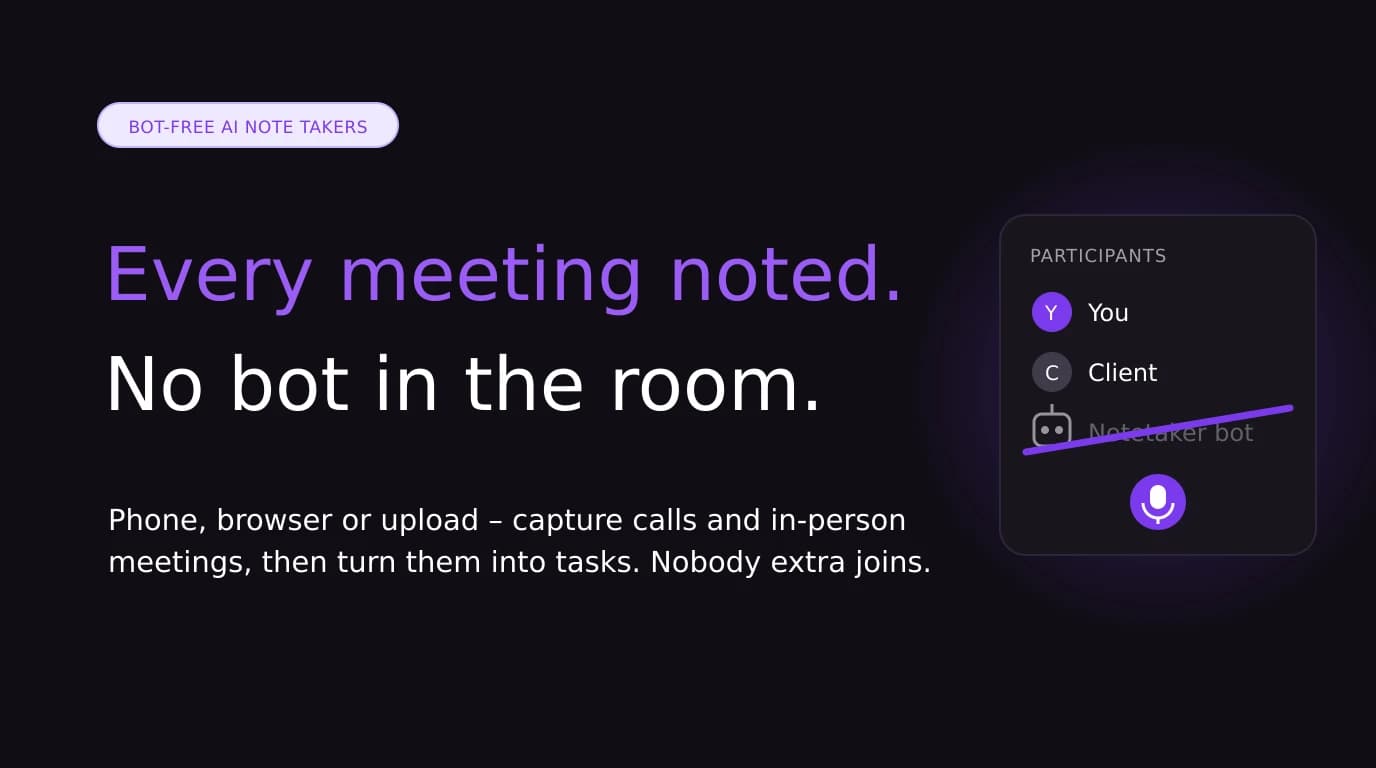

A meeting bot is a visible participant with its own name in the attendee list. For a lot of meetings that's fine. For a first client call, a sensitive negotiation, or a meeting run by someone else's IT team, it's often the moment the conversation gets awkward, or the moment the bot gets refused.
Bot-free AI note takers do the same job without the extra participant. They capture audio from your own device, then transcribe and summarise it. This guide covers the main options in 2026, how each one captures audio, and where each one falls short.
Quick answer: For bot-free notes on a Mac or Windows desktop, Granola is the best-known option. For in-person meetings and calls on your phone, look at Jottoo, Krisp or Jamie. If your team already lives in Notion, Notion AI Meeting Notes is bot-free on its Business plan. Fathom and Fireflies are bot-first tools with bot-free options added on.
Disclosure: Jottoo is our product. We've included it where it fits and said where other tools are the better choice. Prices are taken from each vendor's pricing page on 16 October 2026 and change often, so check before you buy.
Why Bot-Free Matters in 2026
Three things have pushed people away from meeting bots this year.
Platforms are treating bots as a risk. Since late March 2026, Google Meet flags third-party notetaker bots as a "potential risk" in the waiting room, and hosts are prompted to deny them by default (Metaview support, Glyphic help centre). Microsoft and Zoom have also added more admin controls over AI bots (UC Today).
Clients notice. When a bot named after a vendor joins a call, the other side reasonably wonders who is recording them and where the recording goes. That's a hard conversation to have in the first five minutes of a sales or consulting meeting.
A lot of meetings don't happen on Zoom. Bots can only join video calls. In-person meetings, phone calls and site visits are invisible to them.
How Bot-Free Note Takers Capture Audio
"Bot-free" covers a few different technical approaches, and the approach decides where a tool works.
| Method | How it works | Good for | Watch out for |
|---|---|---|---|
| Desktop app (system audio + mic) | Listens to your computer's audio output and microphone | Video calls on your laptop | Usually laptop-only, and the app needs to be running |
| Browser extension | Captures audio from the meeting tab | Google Meet in Chrome | Only works in the browser and tab it's installed in |
| Virtual audio device | Sits between your meeting app and your mic and speakers | Any conferencing app | Setup and permissions on locked-down machines |
| Phone or browser recording | Records the room or call through your device | In-person meetings, phone calls, ad-hoc conversations | Audio quality depends on where the device sits |
The Best Bot-Free AI Note Takers at a Glance
| Tool | Bot-free method | Platforms | In-person meetings | Free option | Paid from (per user/month) |
|---|---|---|---|---|---|
| Granola | Device audio (all plans) | Desktop, iOS, Android, Apple Watch | Mobile app, not stated for desktop | Basic, 30 days of history | $14 (Business) |
| Jottoo | Records from phone or browser, or upload audio | Web, iOS, Android | Yes | 7-day trial, no card | $13.99, single plan |
| Krisp | Virtual audio device; bot optional | Desktop, mobile app | Yes | 7-day trial | $16 monthly or $8 billed annually (Core) |
| Notion AI Meeting Notes | Built into Notion, no bot | Notion apps | Not stated | Limited trial | Business plan, listed at $20 |
| Jamie | Device audio | Desktop and mobile | Yes | 10 AI notes/month, 30-minute cap | €21 (Plus) |
| Bluedot | Chrome extension and apps | Chrome, Mac, Windows, iOS, Android | Not stated | 5 meetings in total | $18 monthly or $14 billed annually (Basic) |
| Fathom | Bot-free capture in beta, Mac only | Mac for bot-free | Not stated | Free plan, limited advanced summaries | $20 monthly or $16 billed annually (Premium) |
The Tools in Detail
1. Granola: the best-known bot-free notepad for desktop calls
Granola works like a notepad. You type rough bullets during the call, Granola listens through your device audio, and afterwards it turns your bullets into full notes. Bot-free capture is included on every plan. It now runs on desktop, iOS, Android and Apple Watch.
- Best for: people who take their own notes on video calls and want AI to fill in the gaps.
- Pricing: Basic is free with 30 days of meeting history. Business is $14 per user per month and Enterprise is $35.
- Trade-off: it's built around the notepad on your laptop. If most of your important conversations happen away from a desk, check that the mobile app fits how you work.
2. Jottoo: bot-free notes that turn into tasks, on your phone and in the browser
Jottoo records from your phone or browser, takes an uploaded recording, or works from notes you type. It never joins the call. Each recording is transcribed with speakers separated, then summarised into an overview, key points, risks and action items. Action items become tracked tasks with deadlines and show up on a calendar view.
- Best for: consultants, sales reps and solo professionals whose meetings are a mix of video calls, phone calls and in-person conversations, and who care more about what happens after the meeting than the transcript itself.
- Pricing: one plan at $13.99 USD per month with everything included, after a 7-day free trial that needs no card.
- Privacy: note content is encrypted on your device before it syncs. Audio is sent to AssemblyAI for transcription and selected content to OpenAI for summaries, and neither uses it for training. The details are on how your data works.
- Trade-off: there's no free plan, no CRM or Slack integrations yet, and no team features. Calendar sync is on the roadmap, not shipped yet. If you need a shared team workspace today, a team-focused tool is the better fit.
3. Krisp: bot-free notes with strong noise cancellation
Krisp started as a noise-cancellation app and added AI meeting notes on top. It sits between your conferencing app and your audio devices, so it works with whatever meeting tool you use, without a bot. You can still send a bot if you want to. Krisp lists in-person meeting notes and an outbound phone call recorder on its Core plan.
- Best for: people who take a lot of calls from noisy places.
- Pricing: a 7-day free trial, then Core at $16 per user per month, or $8 billed annually.
- Trade-off: on managed work laptops, installing virtual audio drivers can need IT approval.
4. Notion AI Meeting Notes: bot-free if your team already lives in Notion
Notion's meeting notes start from a Notion page and write the summary into your workspace, with "no bot needed" according to Notion's pricing page.
- Best for: teams whose docs, projects and wikis are already in Notion.
- Pricing: full access is part of the Business plan, listed at $20 per member per month. Free and Plus get a limited trial.
- Trade-off: you're paying for a whole workspace upgrade, and the notes only live in Notion.
5. Jamie: bot-free with in-person meetings on every plan
Jamie captures audio on your device rather than sending a bot. Its pricing page lists in-person meetings as included on every plan, including the free one.
- Best for: European users and anyone wanting a bot-free tool with a usable free tier.
- Pricing: the free plan includes 10 AI notes a month with a 30-minute limit per meeting. Plus is €21 a month and Pro is €39 a month billed annually. Prices are in euros.
- Trade-off: the free tier's 30-minute limit rules out longer meetings.
6. Bluedot: bot-free capture through a Chrome extension
Bluedot records Google Meet calls through a Chrome extension instead of a bot, and also has desktop and mobile apps. It's popular with teams that want notes pushed into Notion.
- Best for: Chrome-first teams, especially on Google Meet.
- Pricing: the free plan covers 5 meetings in total. Basic is $18 per user per month, or $14 billed annually.
- Trade-off: the extension approach suits browser-based calls best.
7. Fathom: a bot-first tool with a bot-free beta
Fathom is best known for its generous free plan, which joins calls with a bot. Its pricing page now offers a "choice of bot-free or bot capture", with bot-free marked as a beta for Mac.
- Best for: Mac users who want Fathom's free plan and are happy using a beta.
- Pricing: free forever with limited advanced summaries. Premium is $20 per month, or $16 billed annually.
- Trade-off: bot-free capture is a beta and Mac-only for now.
Worth knowing: Fireflies, the other big bot-first tool, can also record through its Chrome extension without the Fireflies bot. Otter.ai's apps can record in person from your phone or browser, but on Zoom, Teams and Meet it joins as a bot. See our Otter.ai alternatives guide for more on both.
How to Choose
Answer three questions:
- Where do your important meetings happen? If they're mostly video calls at a desk, a desktop tool like Granola or Krisp fits. If they include in-person meetings, phone calls or site visits, choose a tool with a good mobile app and in-person support, such as Jottoo, Krisp or Jamie.
- What do you need afterwards? A searchable transcript? A summary to paste into a CRM? Tasks with deadlines you'll actually see? Pick the tool built around the output you need, not the one with the longest feature list. Our guide to what to look for in AI meeting transcription covers accuracy, speakers and privacy.
- Who sees the data? Check which providers process your audio, whether they train on it, and how long they keep it. If a vendor won't say, treat that as your answer.
Bot-Free Does Not Mean Consent-Free
Taking the bot out of the room removes the visible signal that a meeting is being recorded. It doesn't remove your obligation to tell people. Recording laws differ by country and, in the US, by state. Some places require everyone's consent. The simple rule is to say at the start of the meeting that you're taking AI notes, and to stop if anyone objects. It's the right thing to do, and in many places it's also the law.
The Bottom Line
The best bot-free AI note taker is the one that captures meetings where yours actually happen. For desk-based video calls, Granola leads. For noisy calls, Krisp. For Notion teams, Notion AI. If your meetings move between Zoom, the phone and a client's office, and you want each one to end as a dated list of tasks, that's what Jottoo is built for.
Try the interactive demo, or start your 7-day free trial, no bot required →
Sources and pricing (checked 16 October 2026):
Stay in the loop
Get notified about new posts
Get new guides by email when they're published. No spam, just the new writing.
We only use this address to send new blog notifications.
Focus entirely on the customer.
Don't let note-taking interrupt your discovery. Jottoo records, transcribes, and extracts the exact business impact for you.
No credit card required.